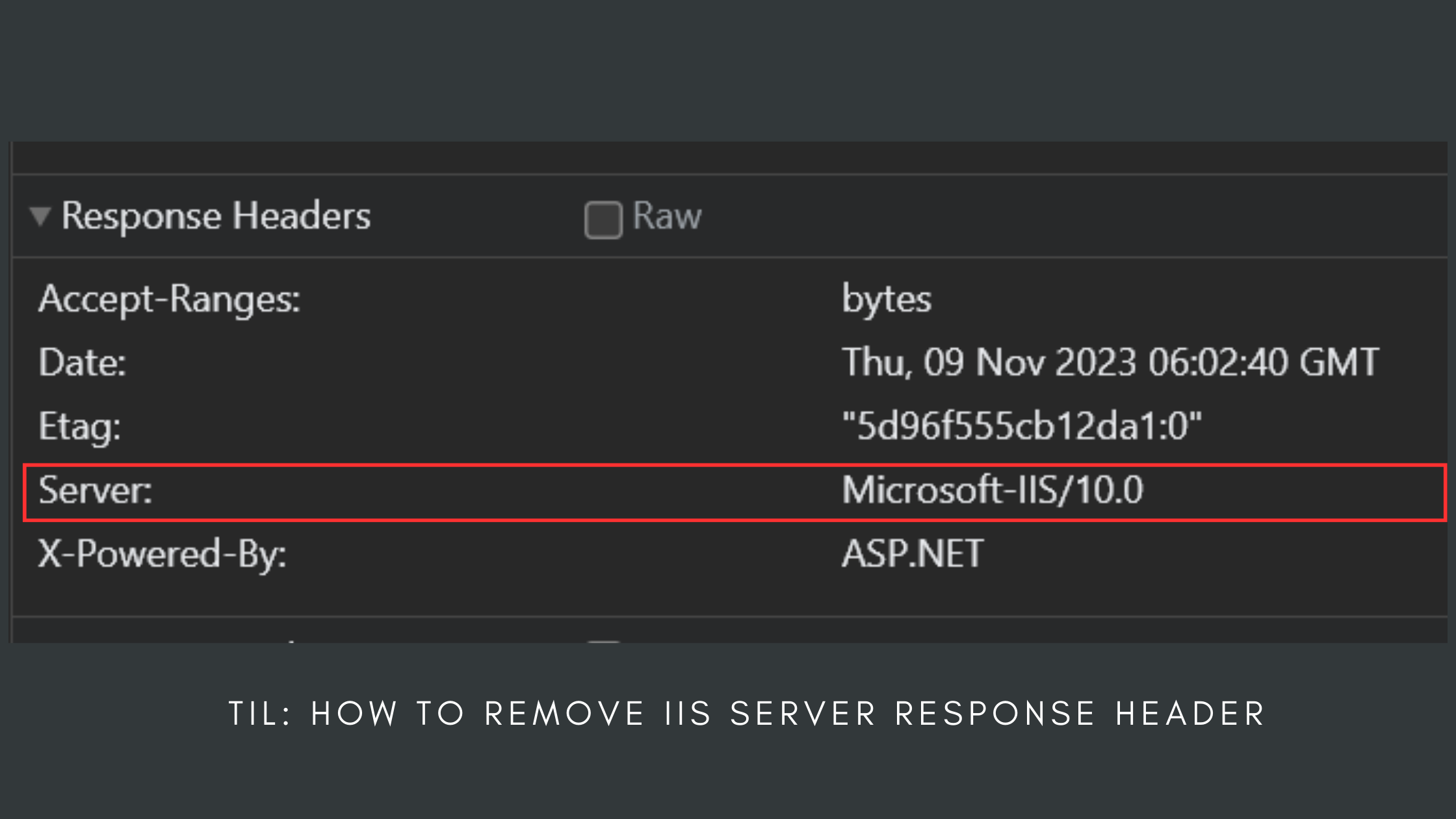
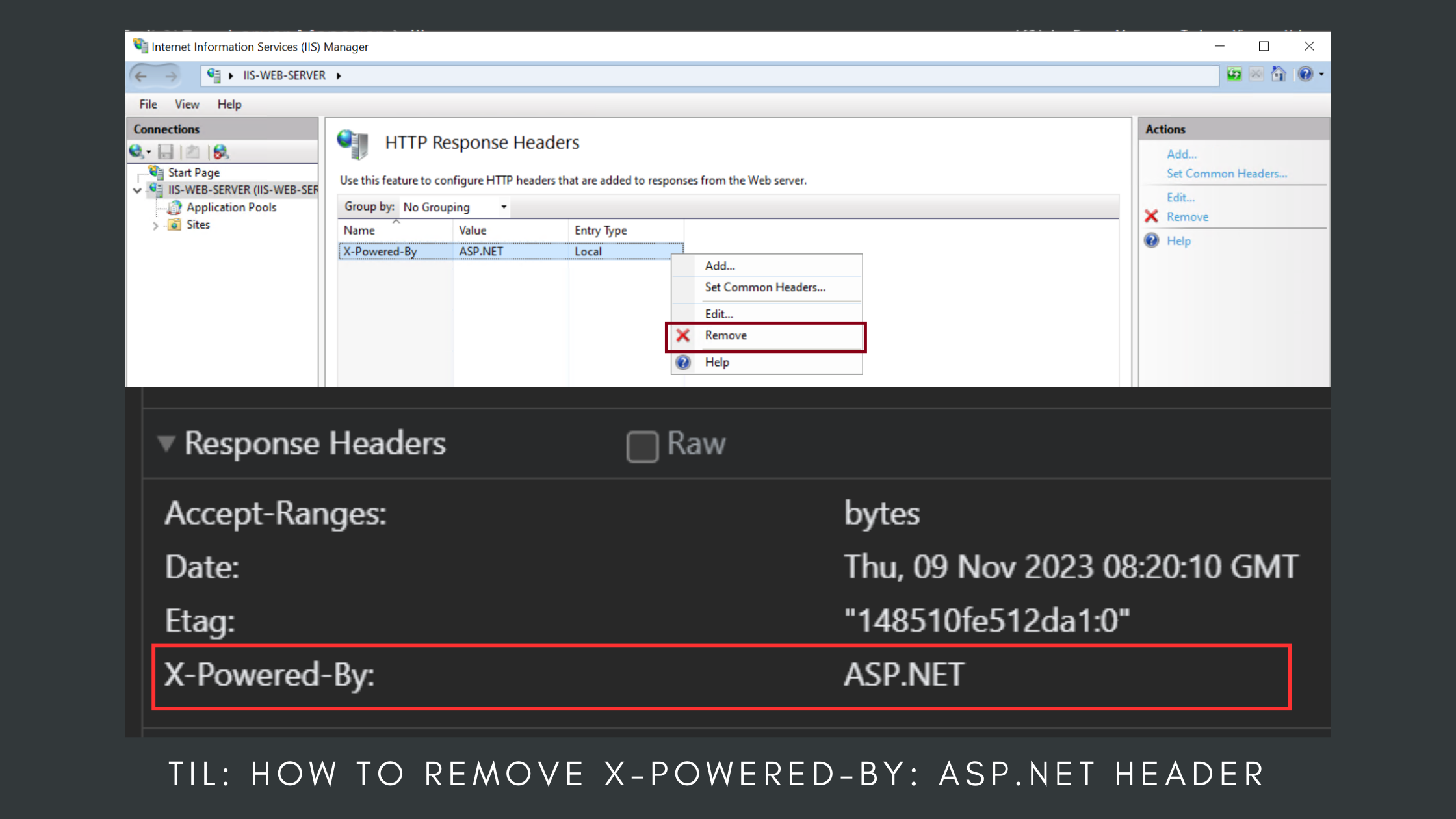
TIL: How to remove X-Powered-By: ASP.NET Header
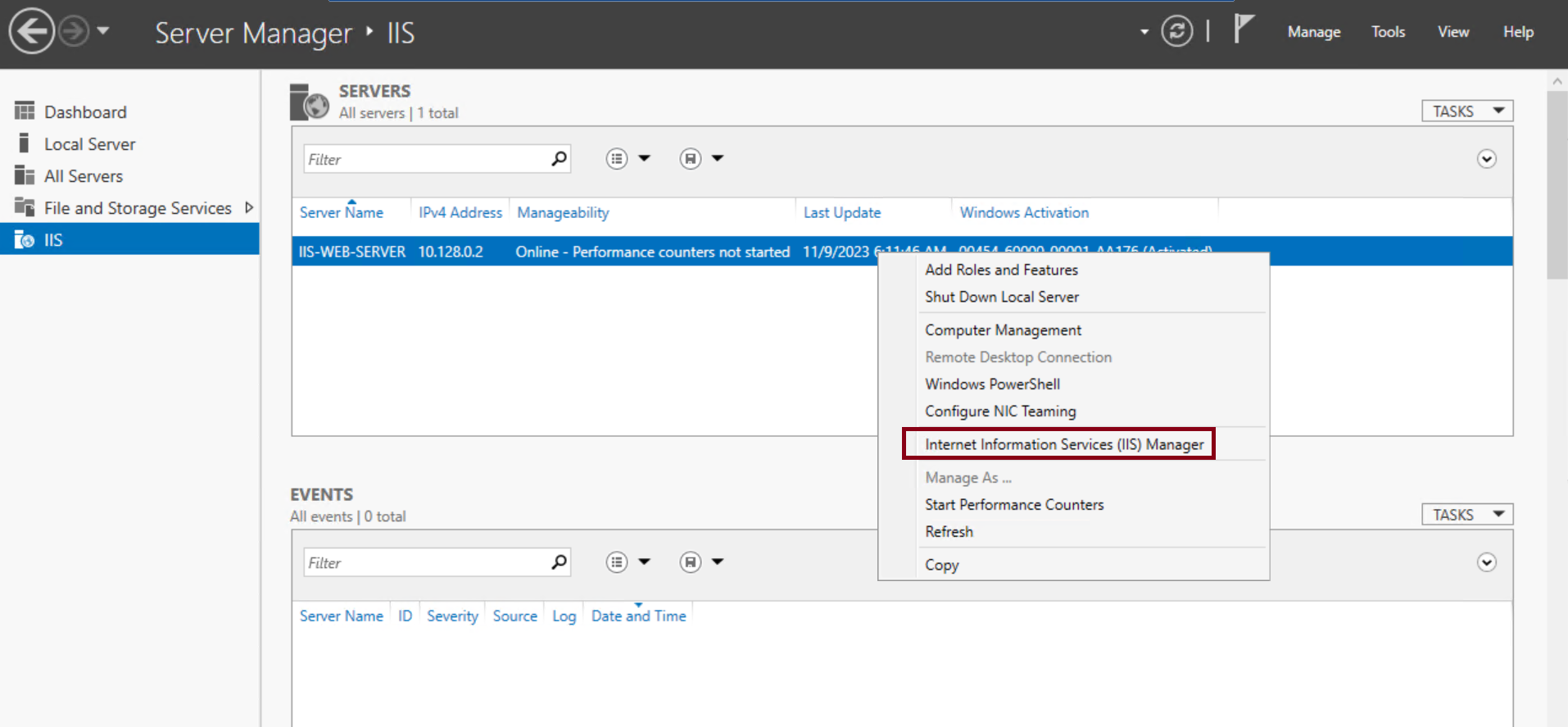
Go to Server Manager -> IIS
Right click on the Server
Select Internet Information Services (IIS) Manager
On
Features Viewtab, go toIIS->HTTP Response Headers
Right click on
X-Powered-By->Remove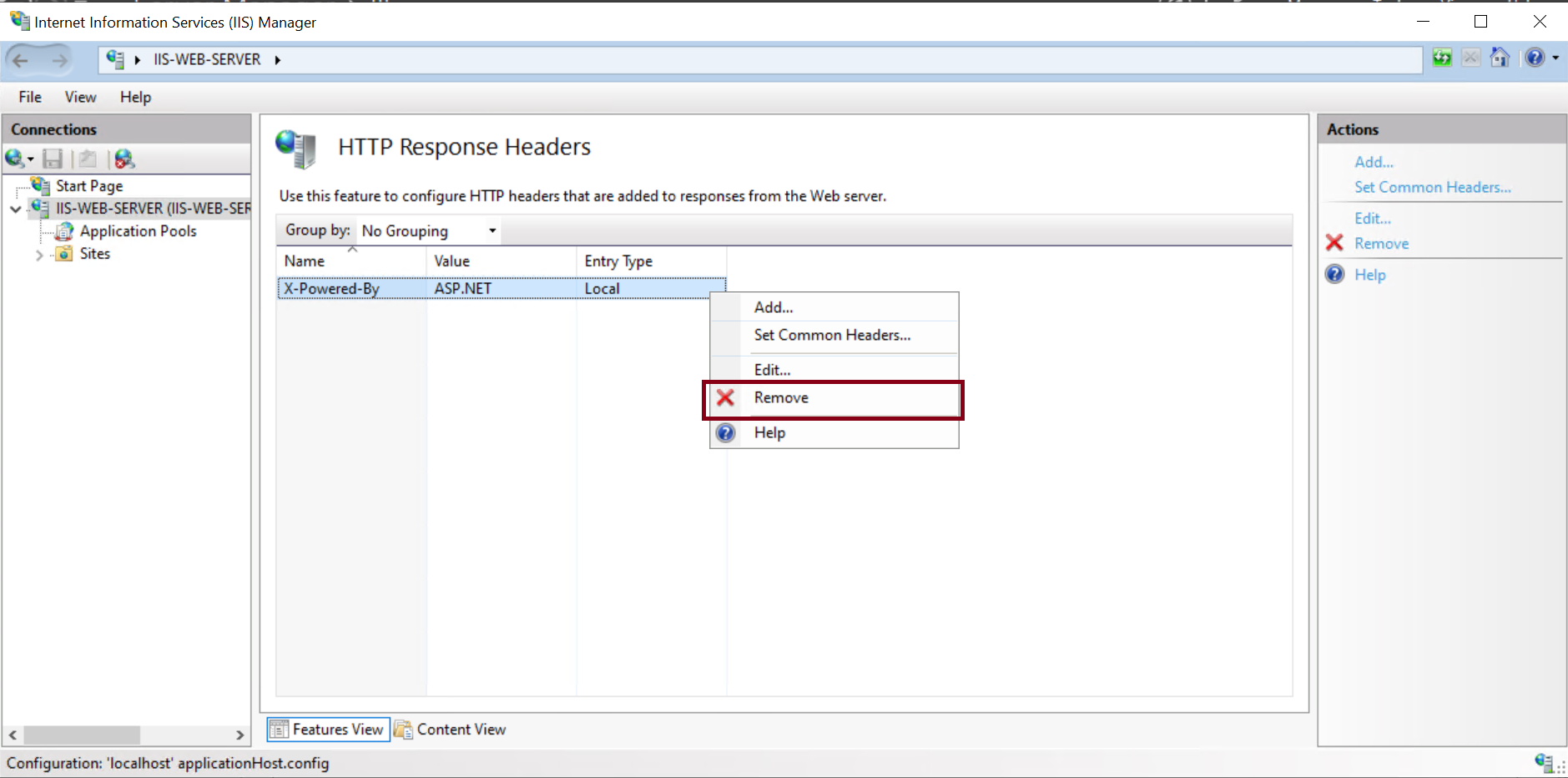
Click
Yesto confirm.
Reload the page and inspect the response. The
X-Powered-By:ASP.NETHeadershould be removed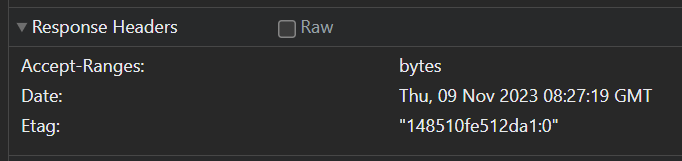
.
Comments
Join the discussionNo comments yet. Be the first to comment.