Run PowerShell as administrator and install IIS services
 import-module servermanager
 add-windowsfeature web-server -includeallsubfeature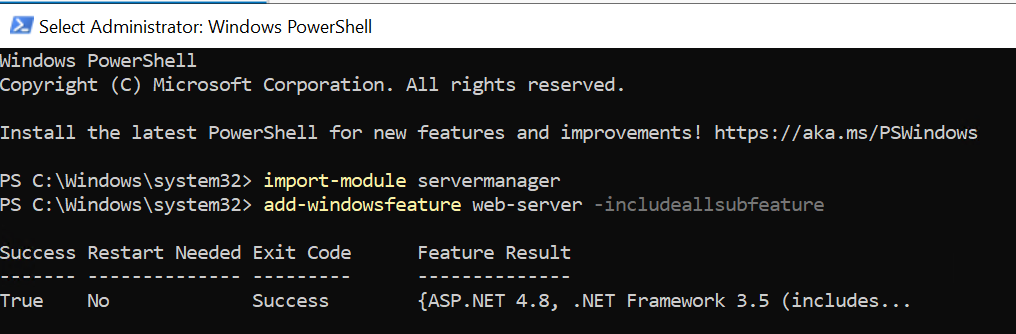
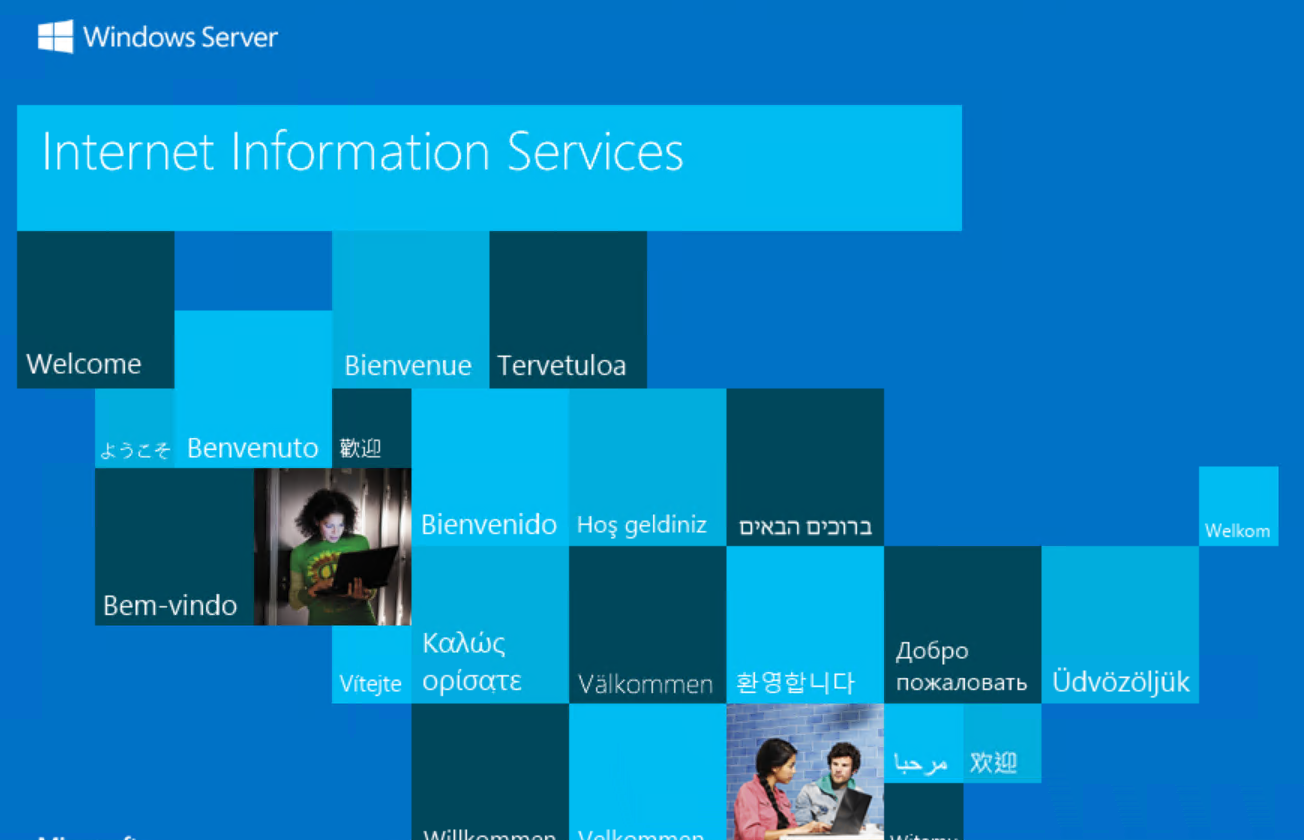
Default IIS web server web page on
localhost.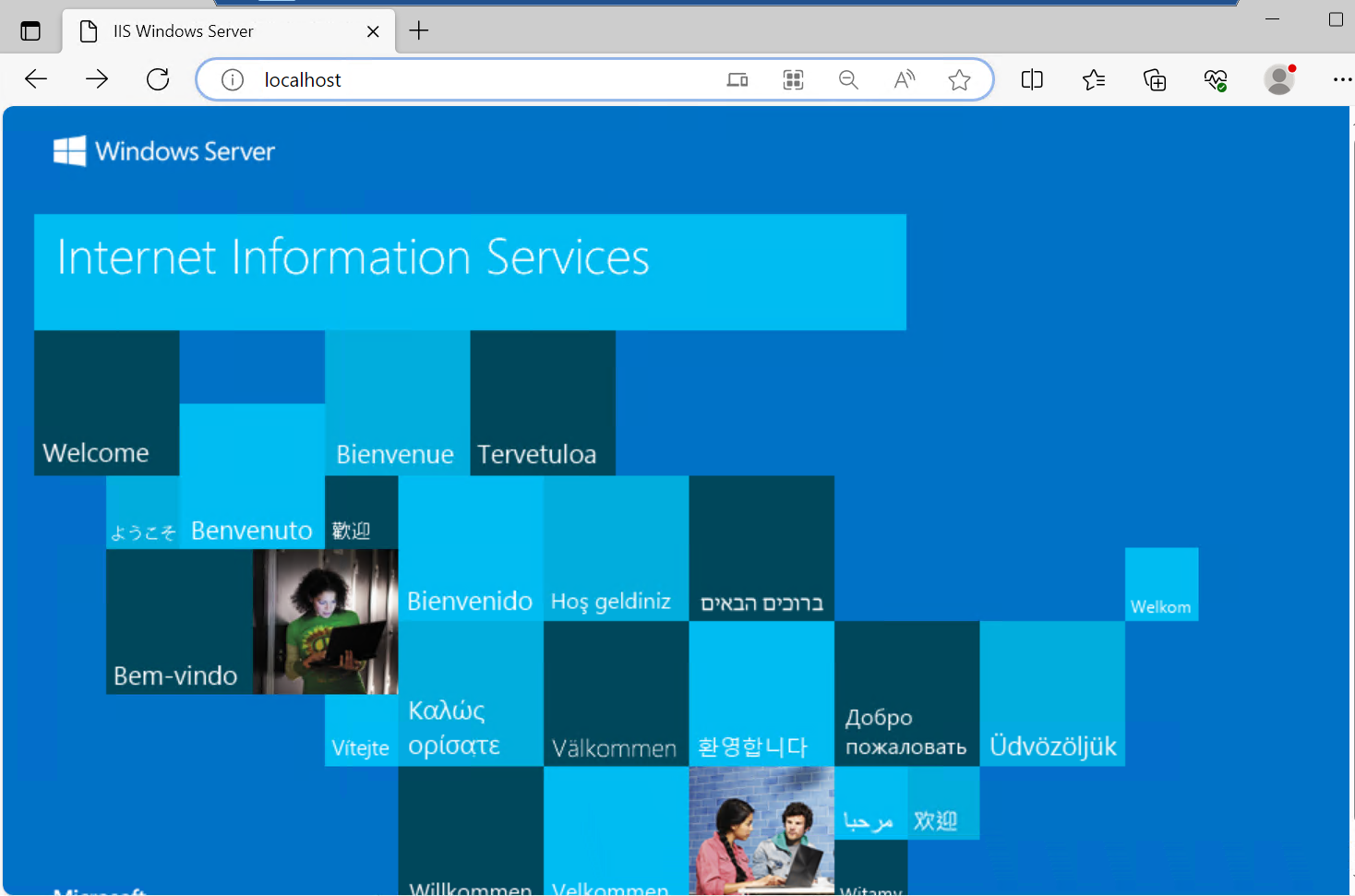
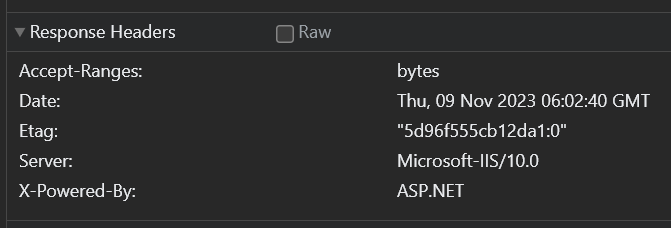
Version Notes:
- Windows Server 2019
- Microsoft IIS/10.0
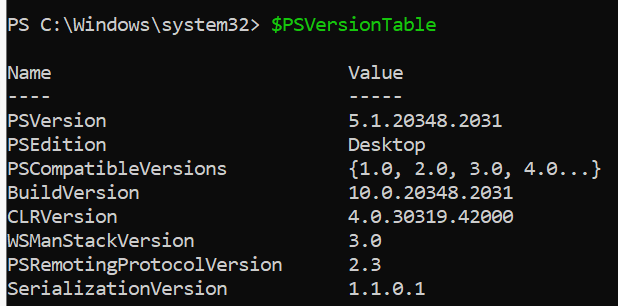
- PowerShell 5.1
Display PowerShell version using $PSVersionTable
Comments
Join the discussionNo comments yet. Be the first to comment.